Perangkat elektronik sehari-hari — yang diisi dayanya di atas meja dan tersimpan di dalam laci.
33 kosakata · pelafalan Amerika + Inggris, foto, dan contoh kalimat.
Perangkat Teknologi dalam Bahasa Inggris: ponsel pintar, laptop, charger, webcam, dan lainnya — 33 kosakata lengkap dengan artinya dalam bahasa Indonesia, audio Amerika & Inggris, foto, dan contoh kalimat.
1
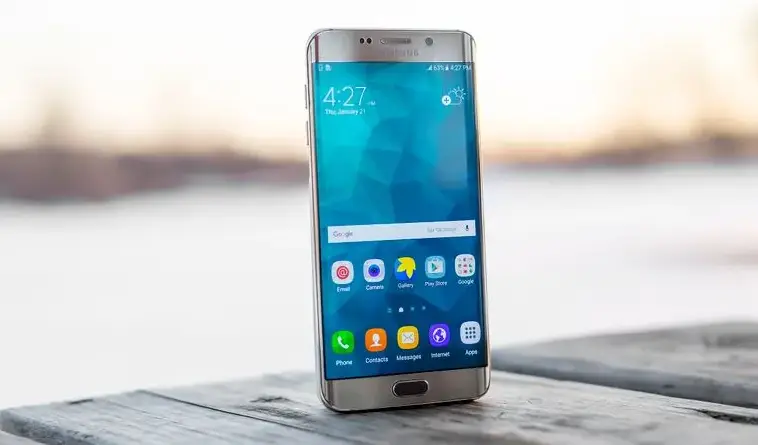
Smartphone (Ponsel Pintar (Smartphone))
“I use my smartphone to check my messages.”
Saya menggunakan ponsel pintar saya untuk memeriksa pesan.
Perlu diketahui: Sering hanya disebut 'mobile' dalam Bahasa Inggris Britania, dan 'cell phone' dalam Bahasa Inggris Amerika.
2
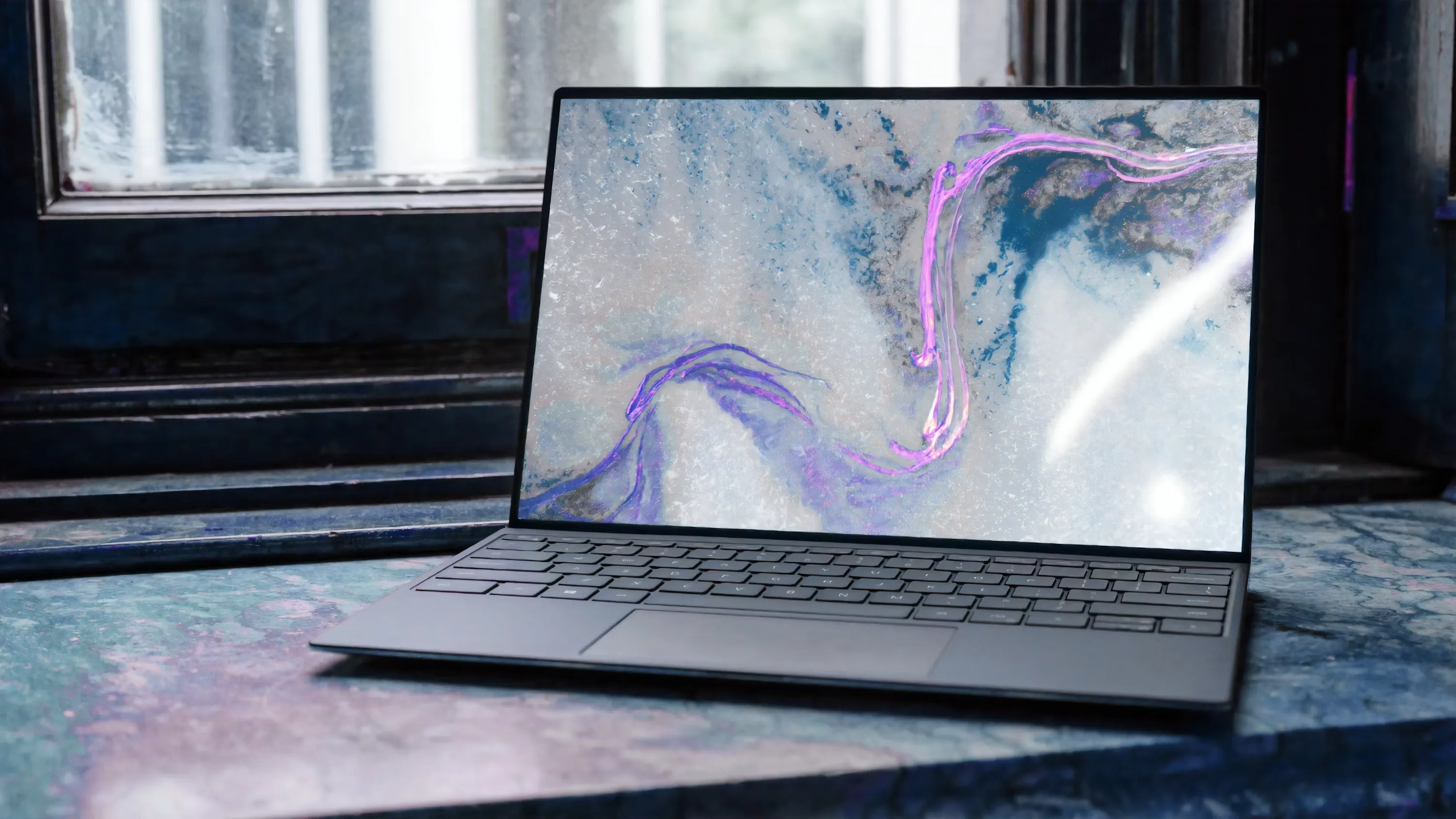
Laptop (Laptop)
“She works on her laptop every evening.”
Dia bekerja dengan laptopnya setiap malam.
3
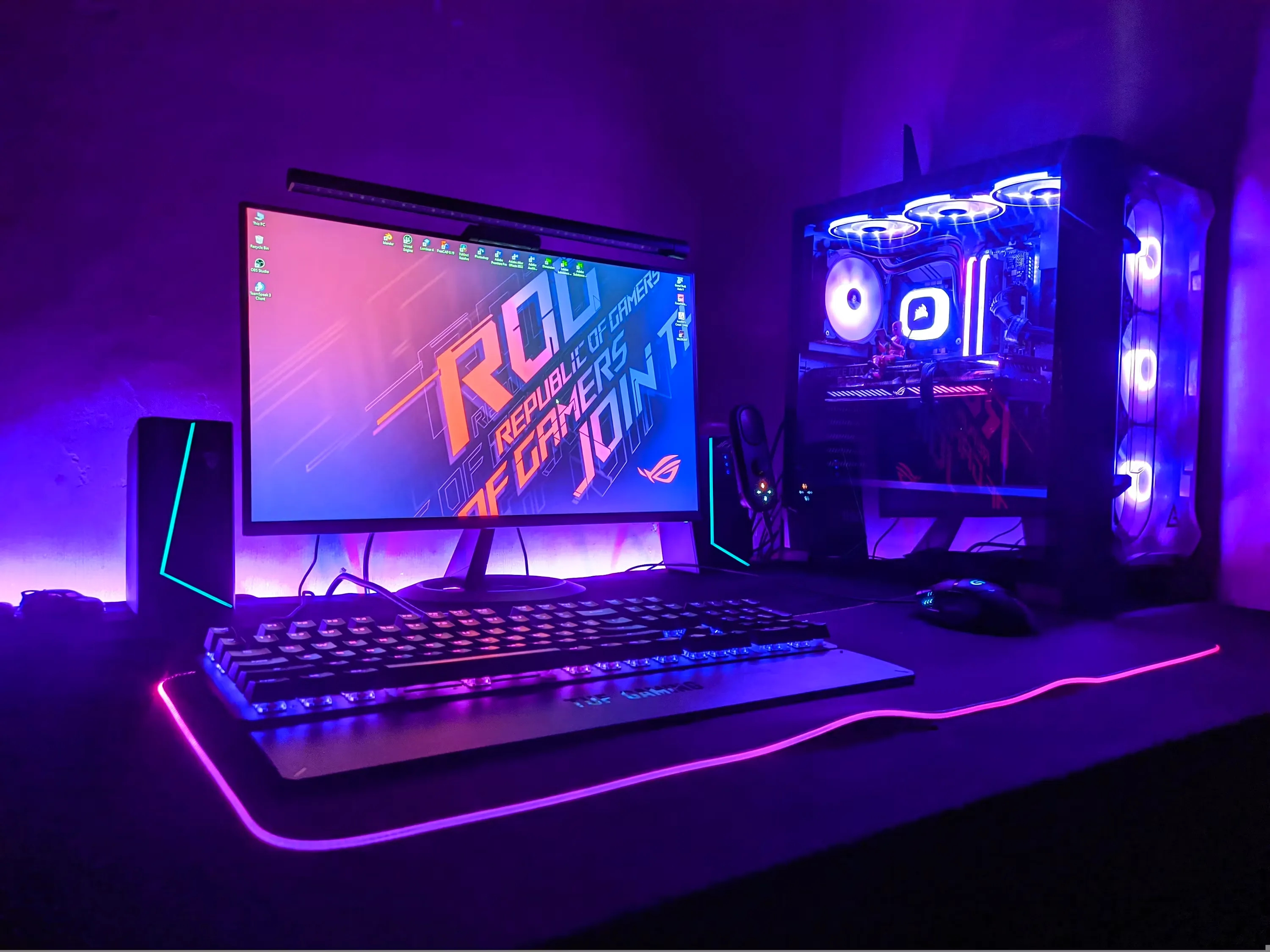
Desktop Computer (Komputer Desktop)
“The office has a new desktop computer.”
Kantor itu memiliki komputer desktop baru.
4
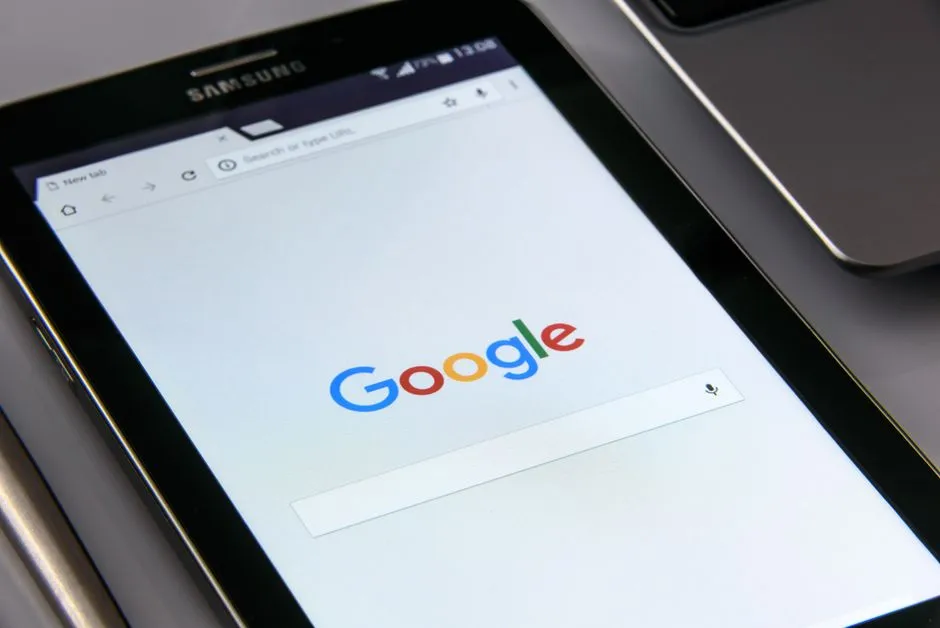
Tablet (Tablet)
“My brother uses a tablet to read books.”
Saudara laki-laki saya menggunakan tablet untuk membaca buku.
5
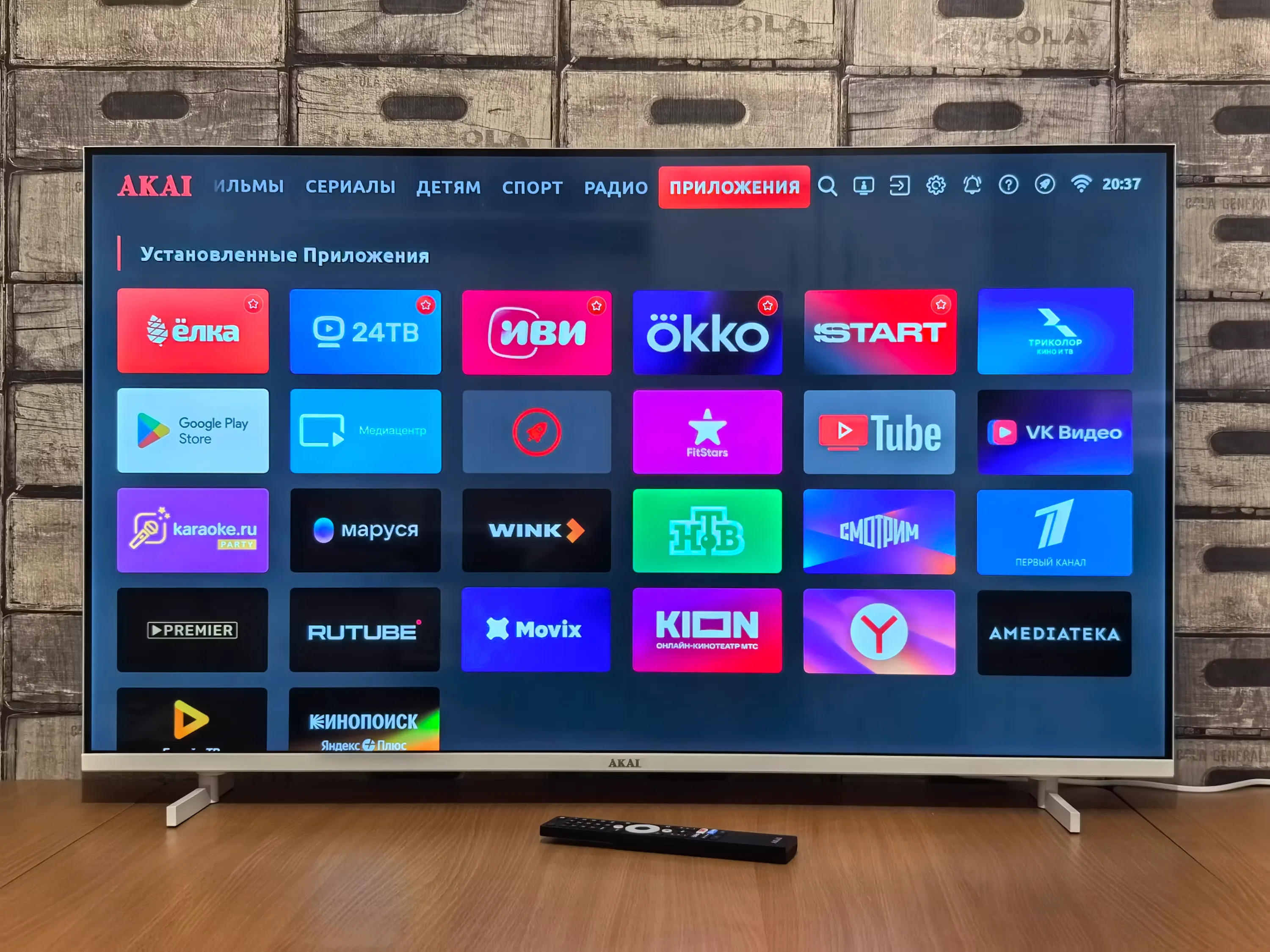
Television (Televisi)
“We watched the news on television.”
Kami menonton berita di televisi.
Perlu diketahui: Sering disingkat 'TV' atau 'telly' dalam Bahasa Inggris Britania.
6
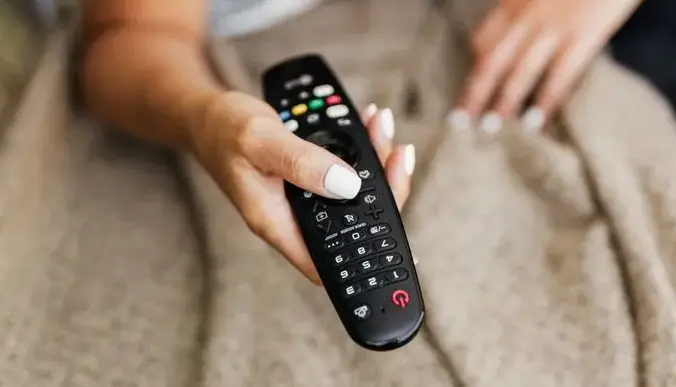
Remote Control (Remote (Kontrol Jarak Jauh))
“Where is the remote control?”
Di mana remote-nya?
7
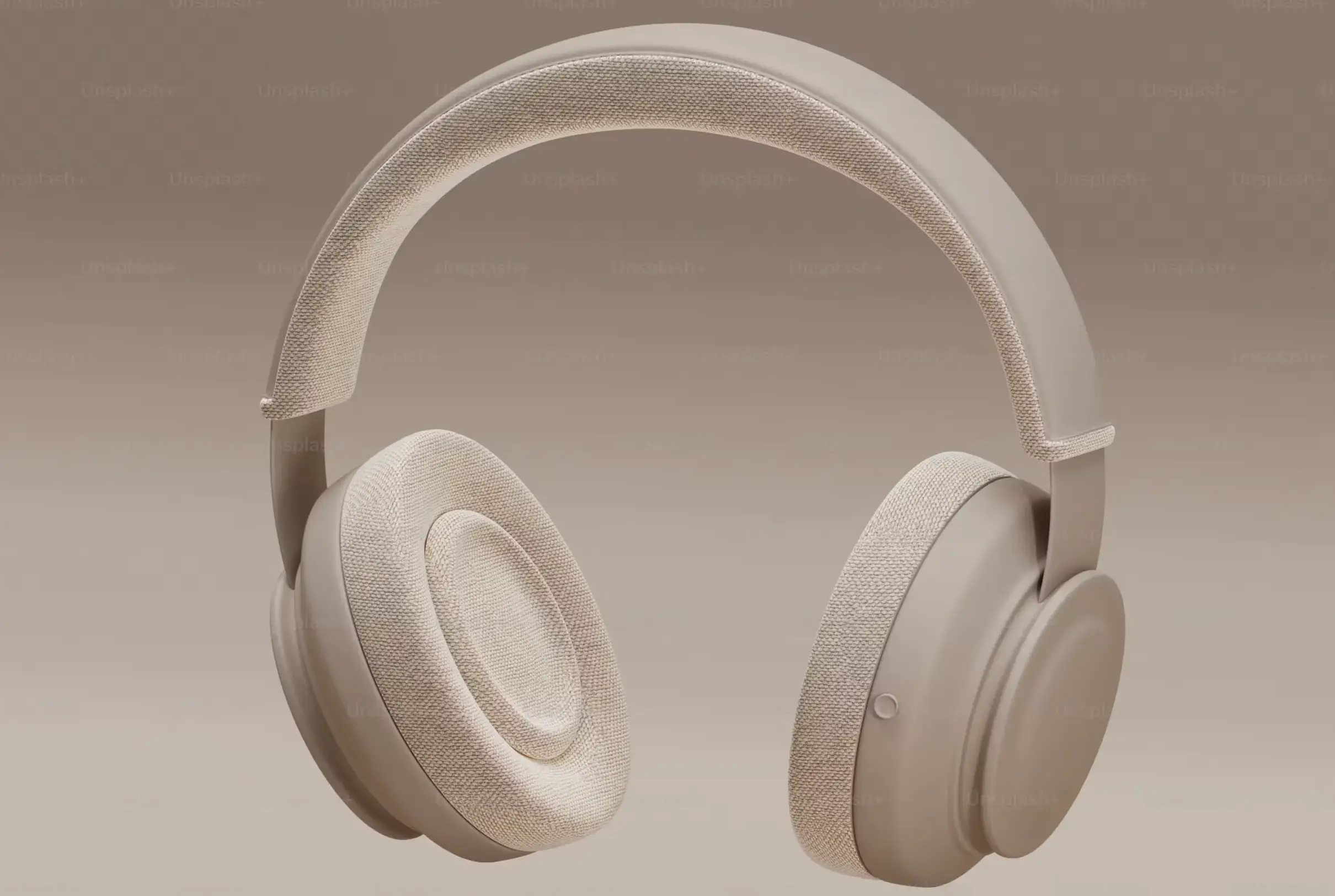
Headphones (Headphone)
“I wear headphones when I listen to music.”
Saya memakai headphone saat mendengarkan musik.
Perlu diketahui: Sering tertukar dengan 'earbuds': headphone menutupi atau mengelilingi telinga dengan bando kepala, sedangkan earbuds pas langsung masuk ke liang telinga.
8
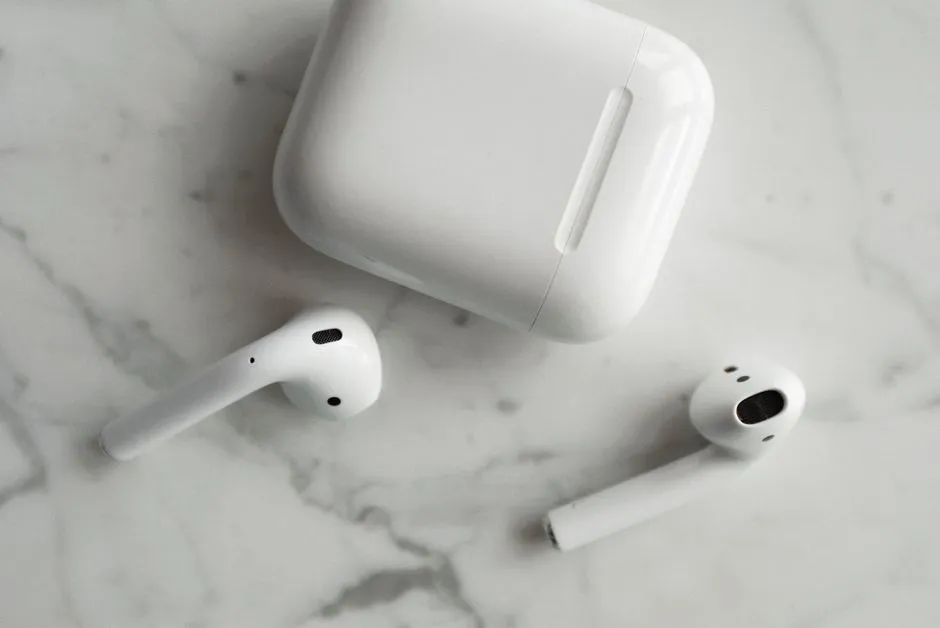
Earbuds (Earphone (Earbuds))
“She put her earbuds in before starting her workout.”
Dia memasang earphone-nya sebelum mulai berolahraga.
9
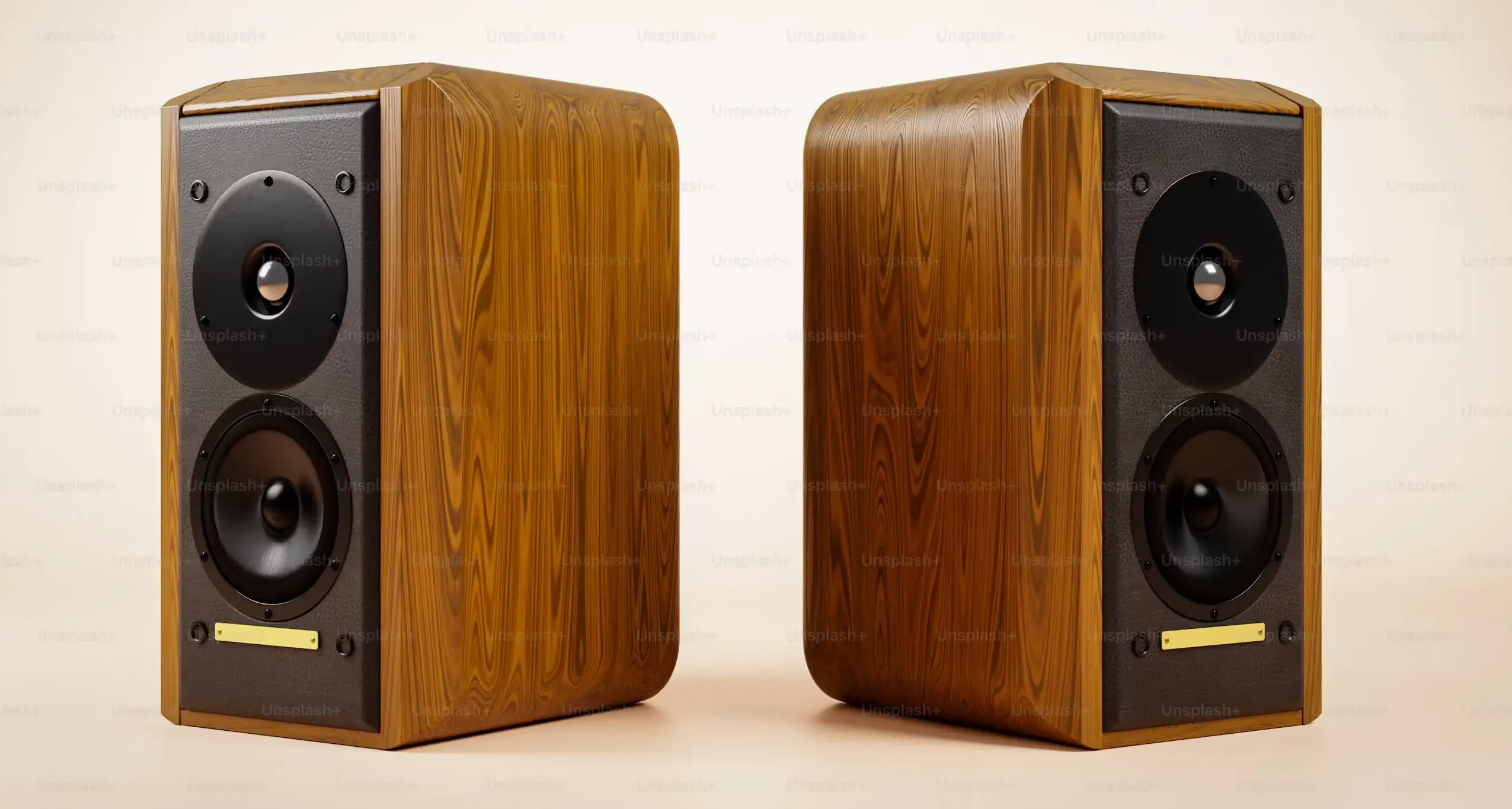
Speaker (Speaker (Pengeras Suara))
“The speaker is loud enough for everyone to hear.”
Speaker itu cukup keras untuk didengar semua orang.
10
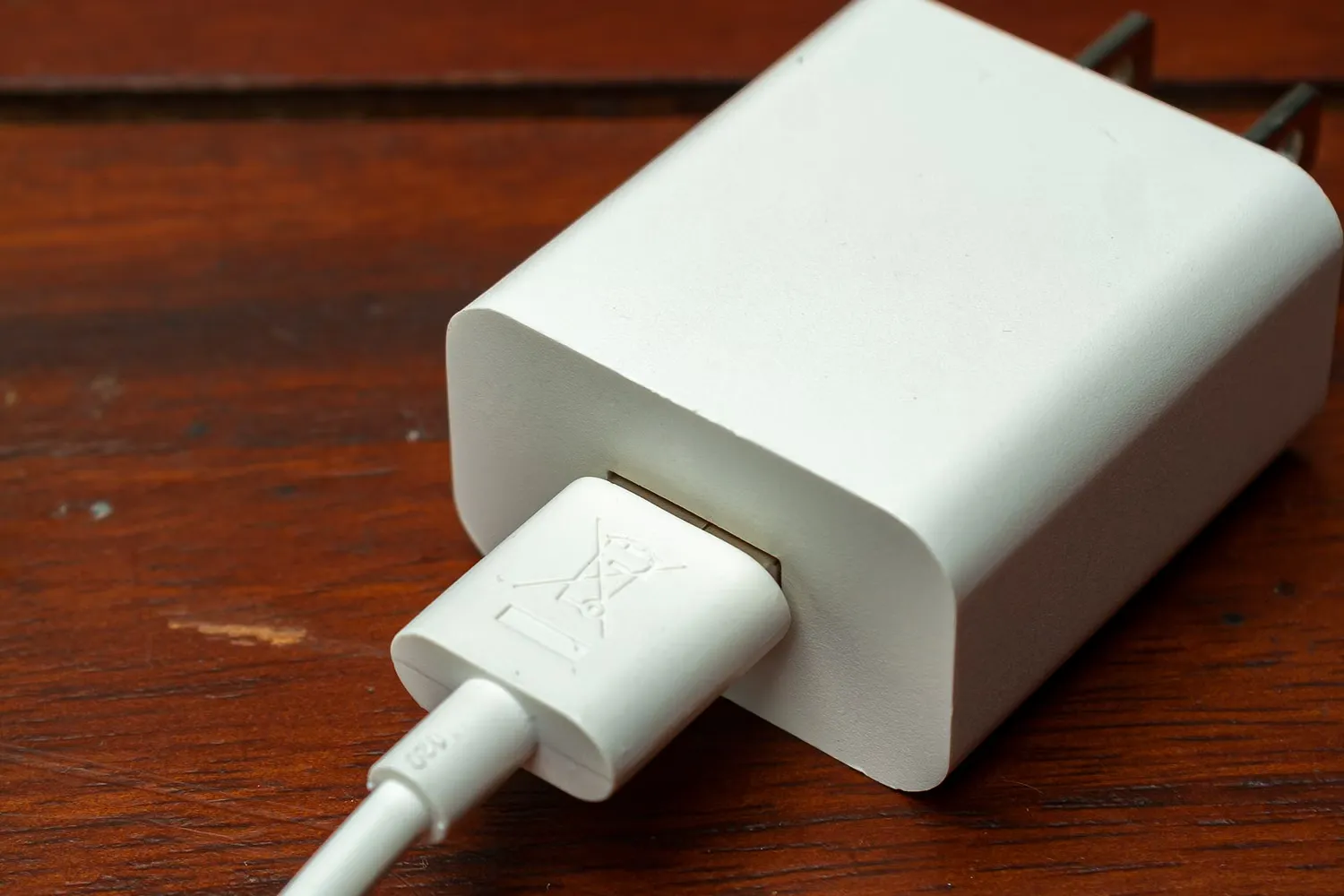
Charger (Charger (Pengisi Daya))
“I forgot to bring my phone charger.”
Saya lupa membawa charger ponsel saya.
11
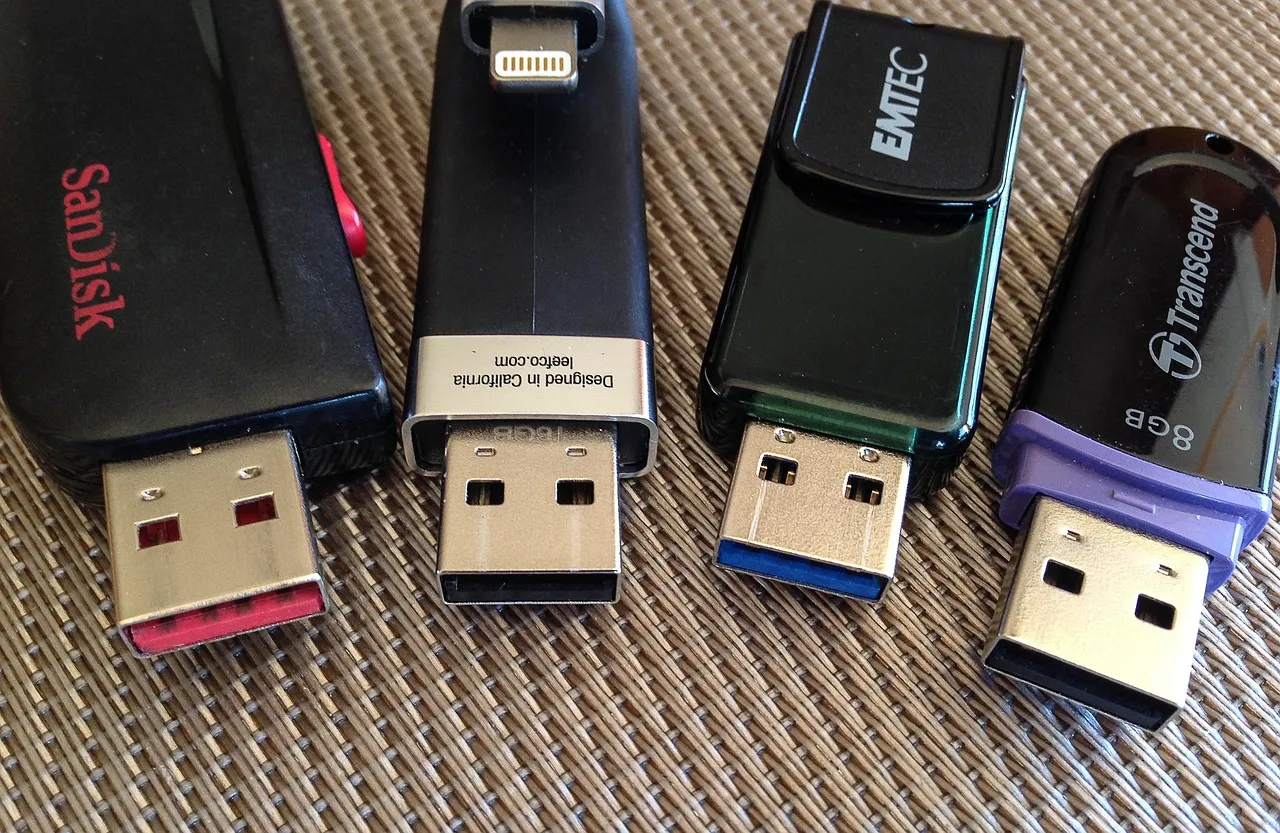
USB Flash Drive (Flashdisk)
“I saved the file on a USB flash drive.”
Saya menyimpan berkas itu di flashdisk.
Perlu diketahui: Juga disebut 'pen drive' dalam Bahasa Inggris Britania dan India, atau 'thumb drive' secara informal.
12
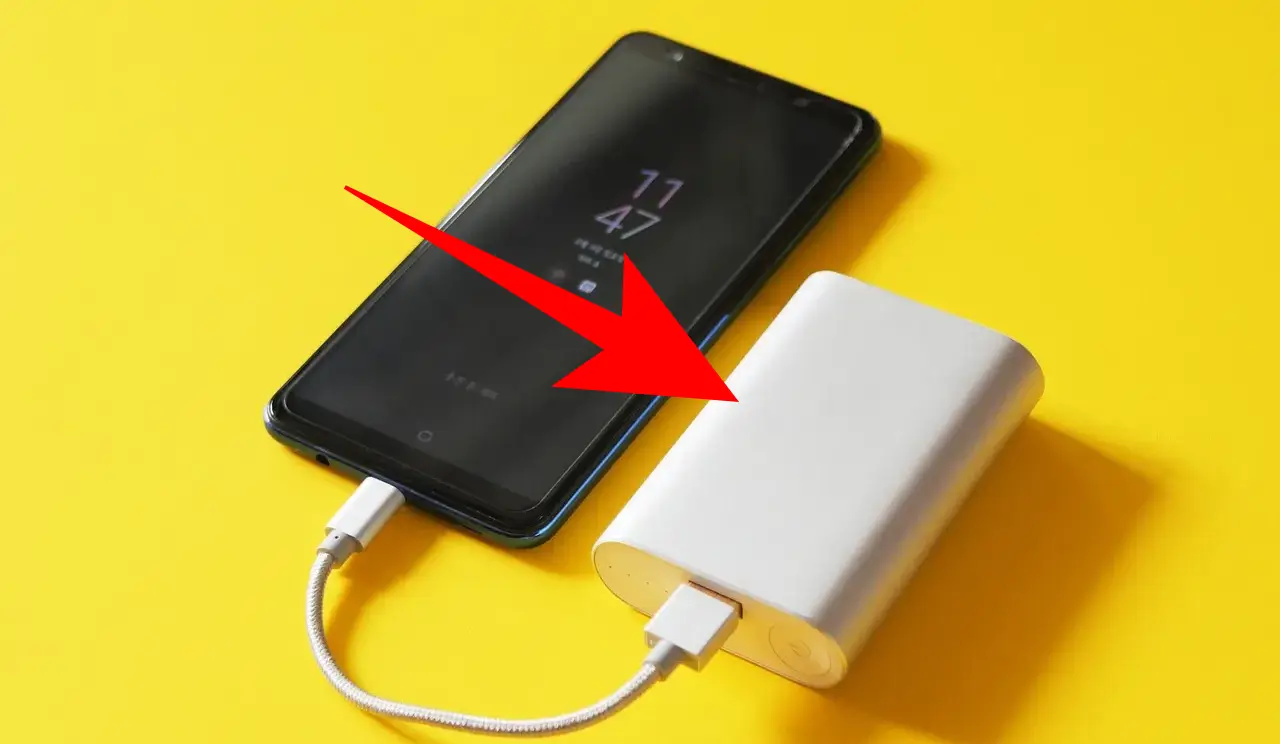
Power Bank (Power Bank)
“I carry a power bank when I travel.”
Saya membawa power bank saat bepergian.
Perlu diketahui: Juga disebut 'portable charger'.
13
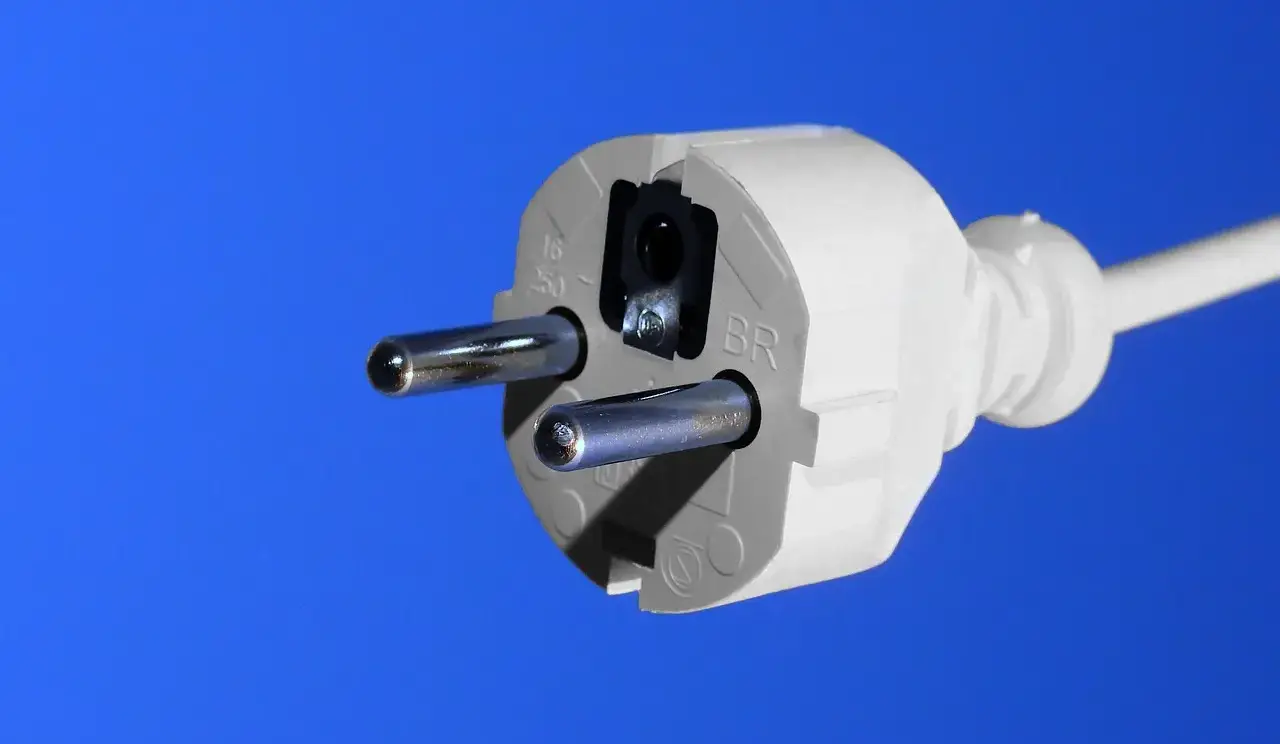
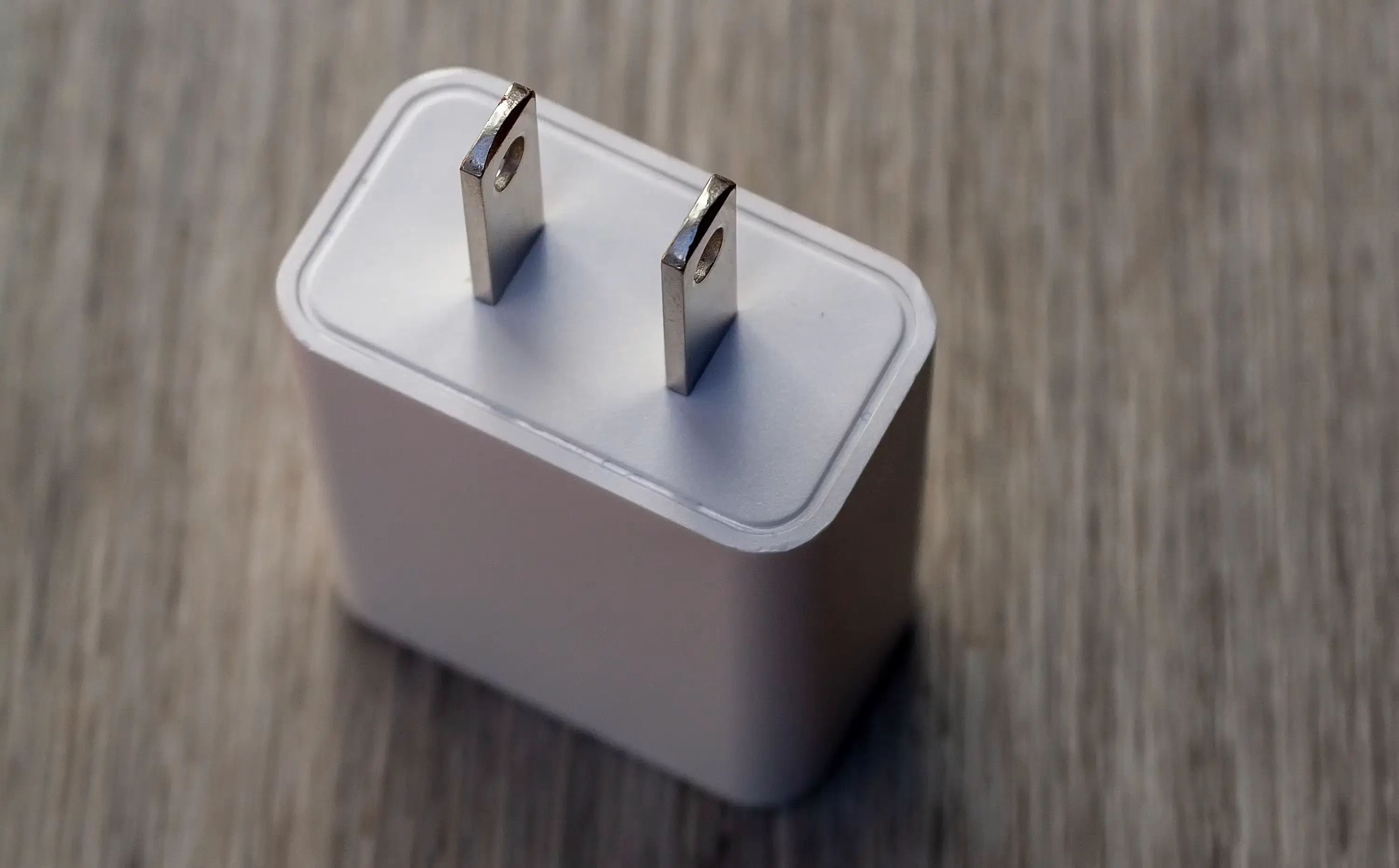
Electrical Plug (Steker)
“The plug is behind the table.”
Steker itu ada di belakang meja.
Perlu diketahui: Steker Inggris memiliki tiga pin persegi panjang, sedangkan steker Amerika biasanya memiliki dua pin pipih, itulah sebabnya adaptor perjalanan dibutuhkan.
14
Adapter (Adaptor)
“I need an adapter for this charger.”
Saya butuh adaptor untuk charger ini.
Perlu diketahui: Kadang dieja 'adaptor' dalam Bahasa Inggris Britania.
15
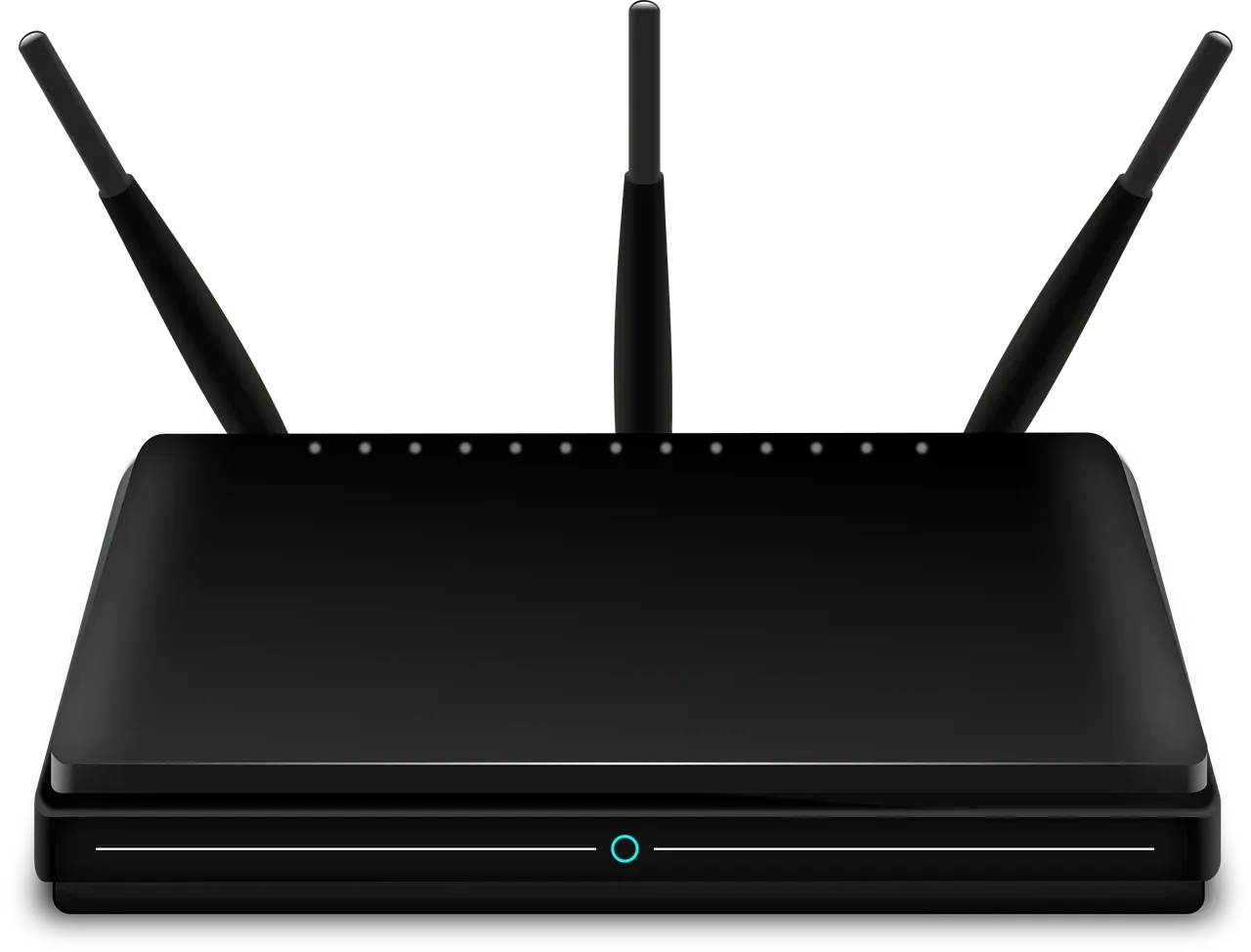
Router (Router (WiFi))
“The internet stopped working because the router was off.”
Internetnya tidak jalan karena router-nya mati.
16
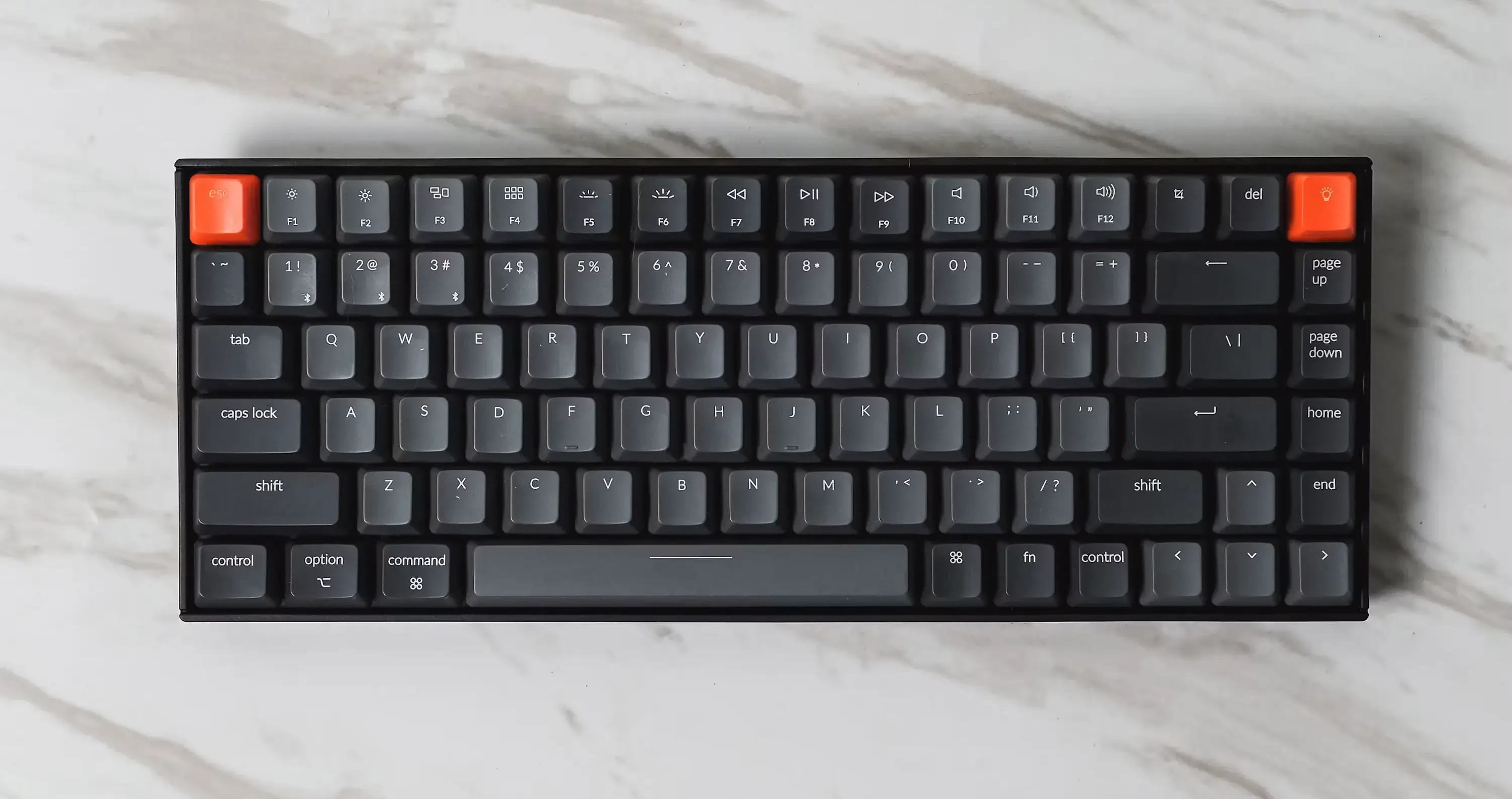
Keyboard (Papan Ketik (Keyboard))
“My keyboard is a little dirty.”
Keyboard saya sedikit kotor.
17
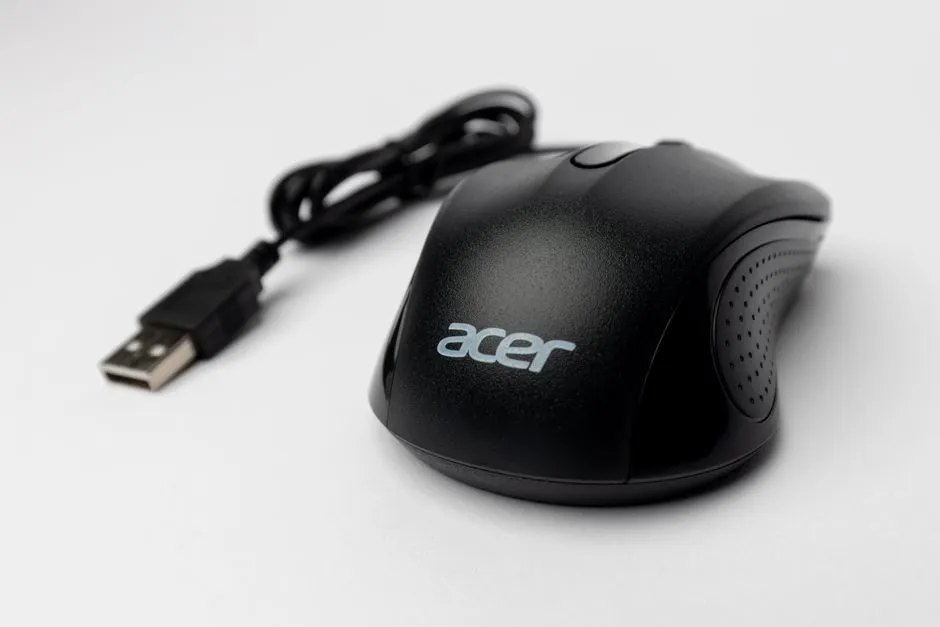
Mouse (Mouse (Tetikus))
“I moved the mouse across the desk.”
Saya menggerakkan mouse itu di atas meja.
18
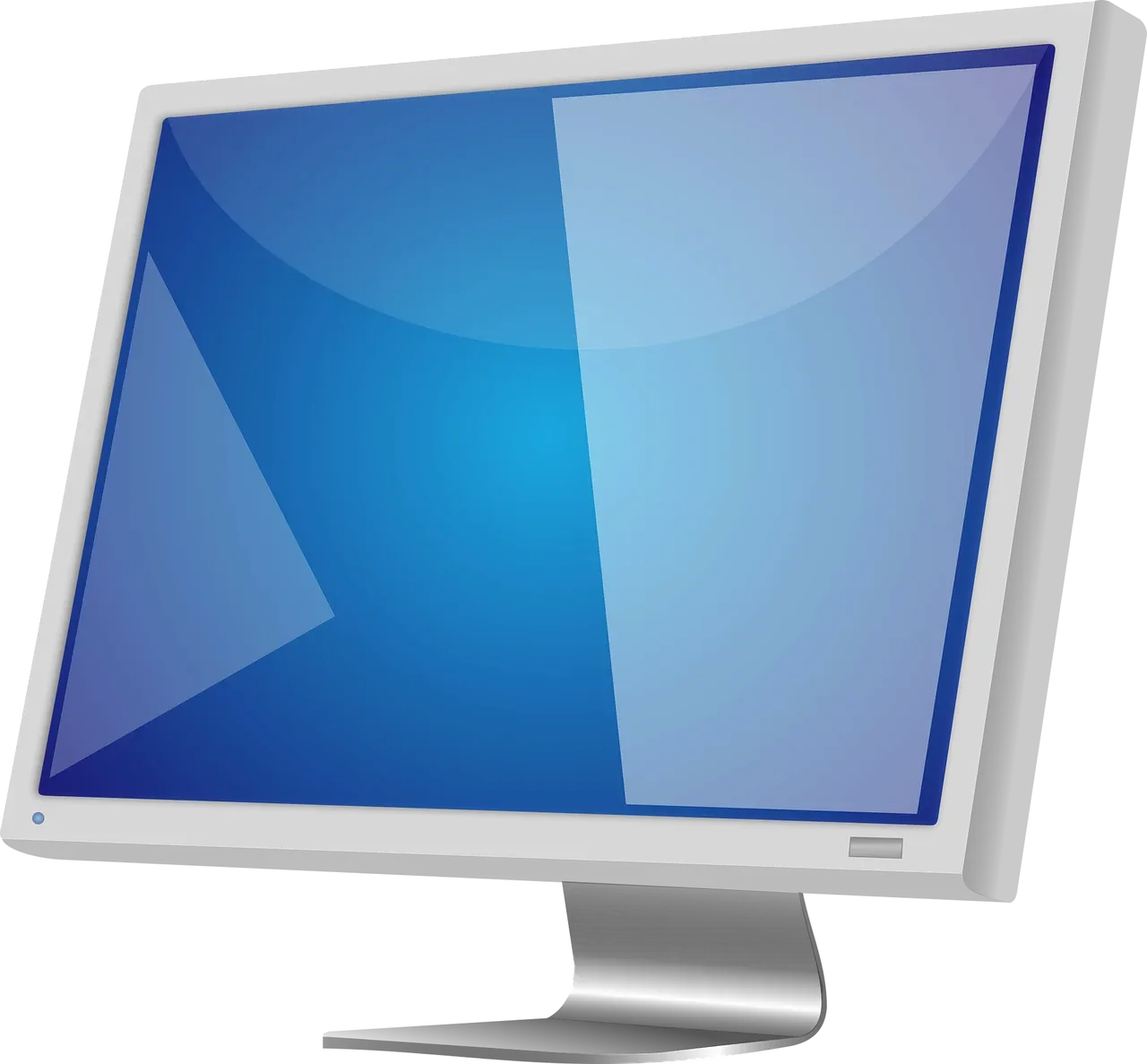
Monitor (Monitor)
“The image looks clear on the monitor.”
Gambarnya terlihat jelas di monitor.
19
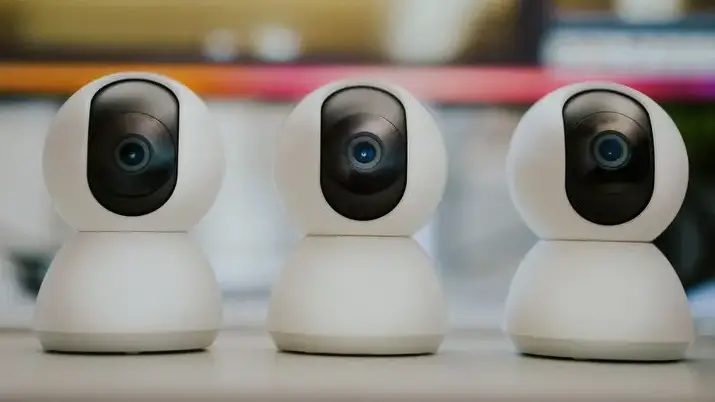
Webcam (Webcam)
“We used the webcam for the online meeting.”
Kami menggunakan webcam untuk rapat daring itu.
Perlu diketahui: Sering tertukar dengan 'kamera' biasa: webcam dibuat untuk panggilan video langsung dan streaming, sedangkan kamera biasanya digunakan untuk mengambil foto atau video secara mandiri.
20
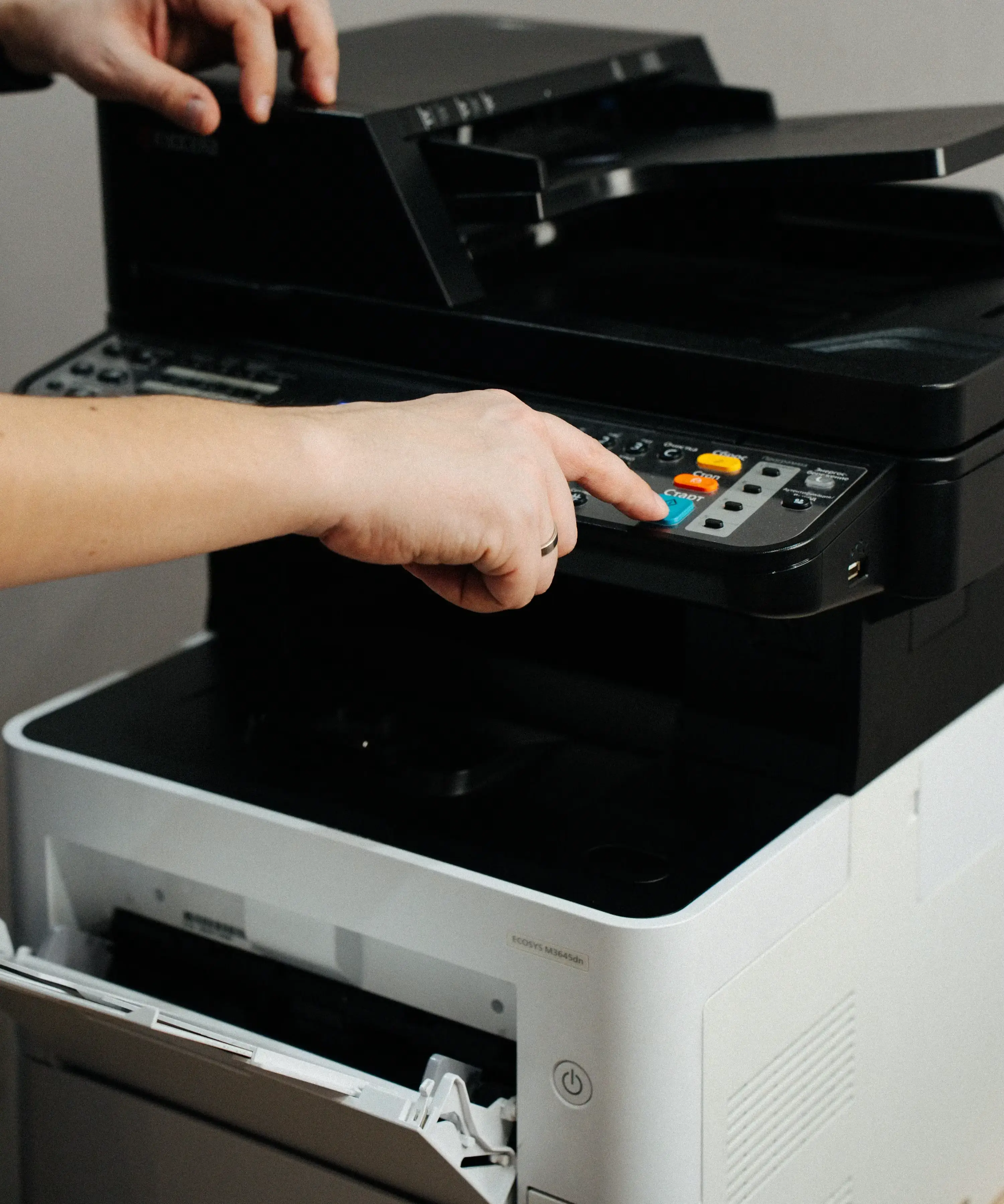
Printer (Printer (Pencetak))
“The printer is out of paper.”
Printer-nya kehabisan kertas.
21
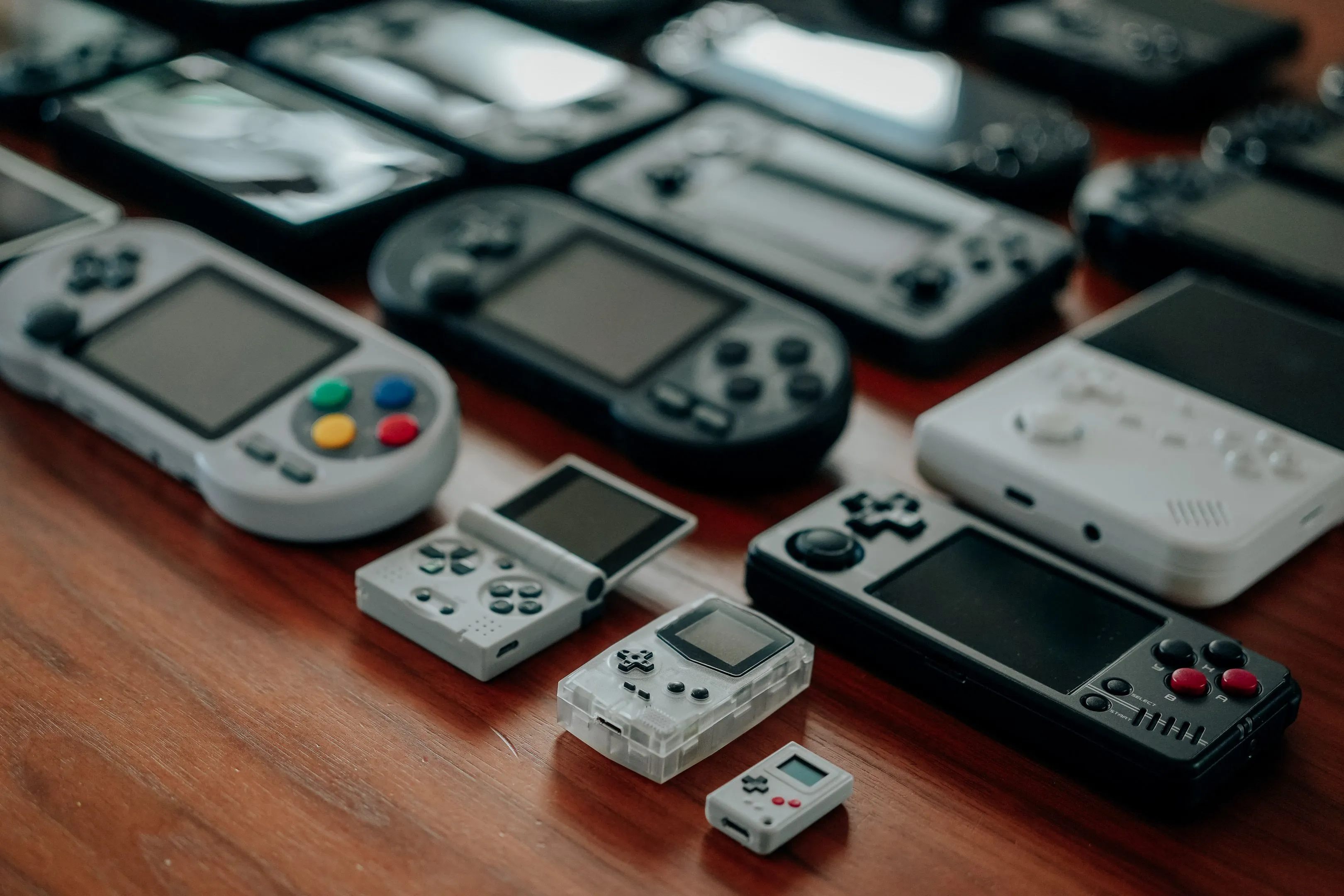
Game Console (Konsol Game)
“My brother plays games on his game console.”
Saudara laki-laki saya bermain game di konsol gamenya.
22
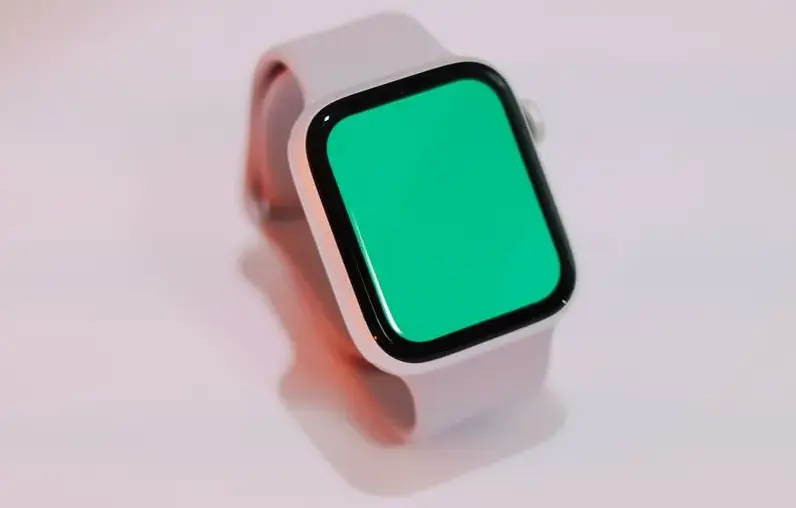
Smartwatch (Jam Tangan Pintar (Smartwatch))
“Her smartwatch tracks her daily steps.”
Jam tangan pintarnya mencatat langkah kakinya setiap hari.
23
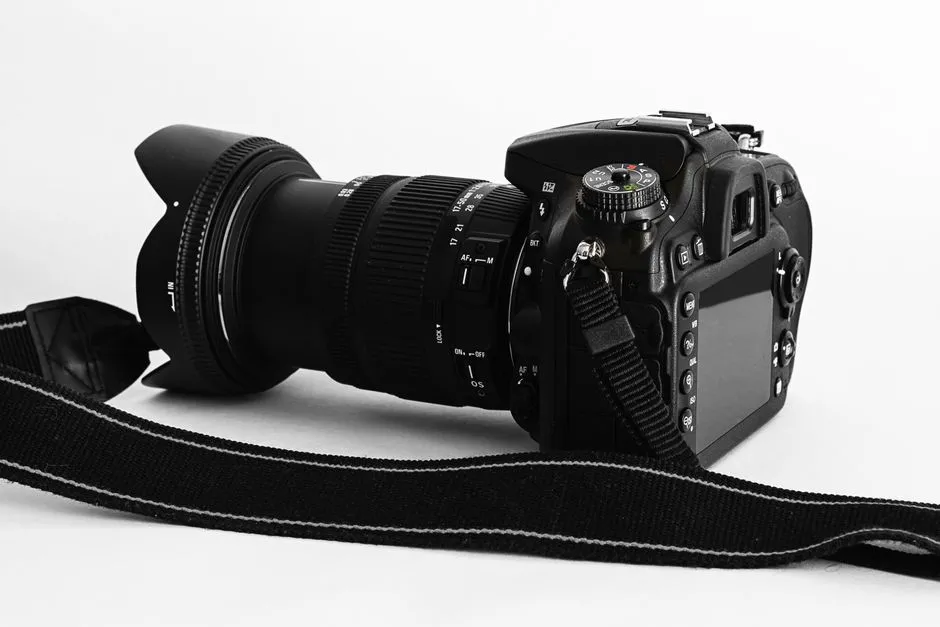
Camera (Kamera)
“He took a picture with his camera.”
Dia mengambil foto dengan kameranya.
24
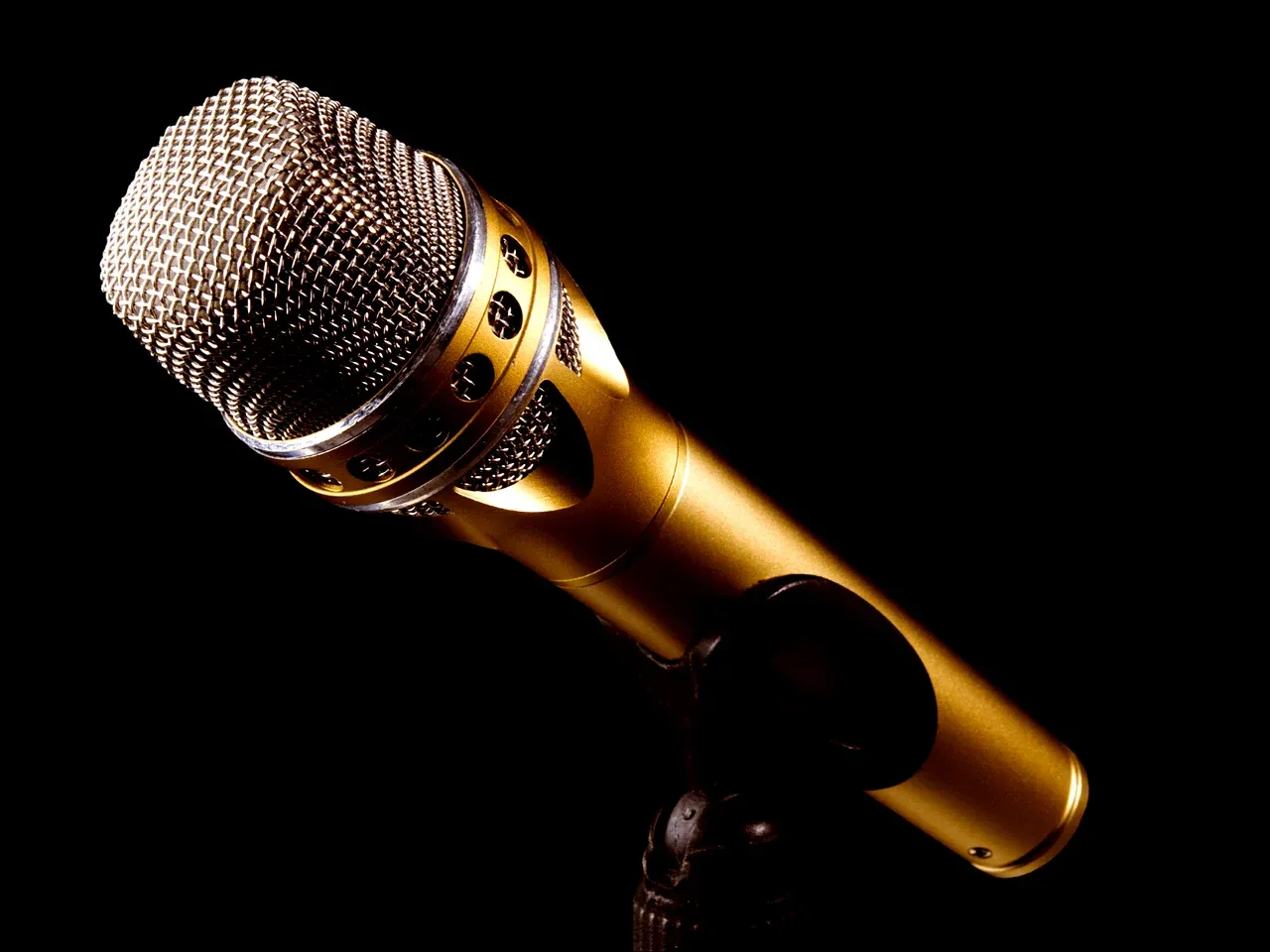
Microphone (Mikrofon)
“Please speak into the microphone.”
Tolong bicara ke dalam mikrofon.
25
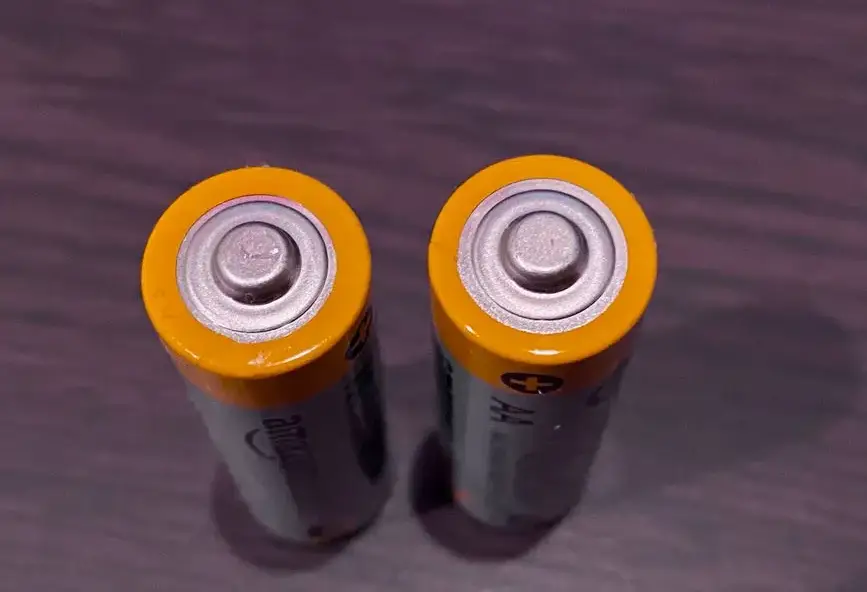
Battery (Baterai)
“The remote needs a new battery.”
Remote-nya butuh baterai baru.
26
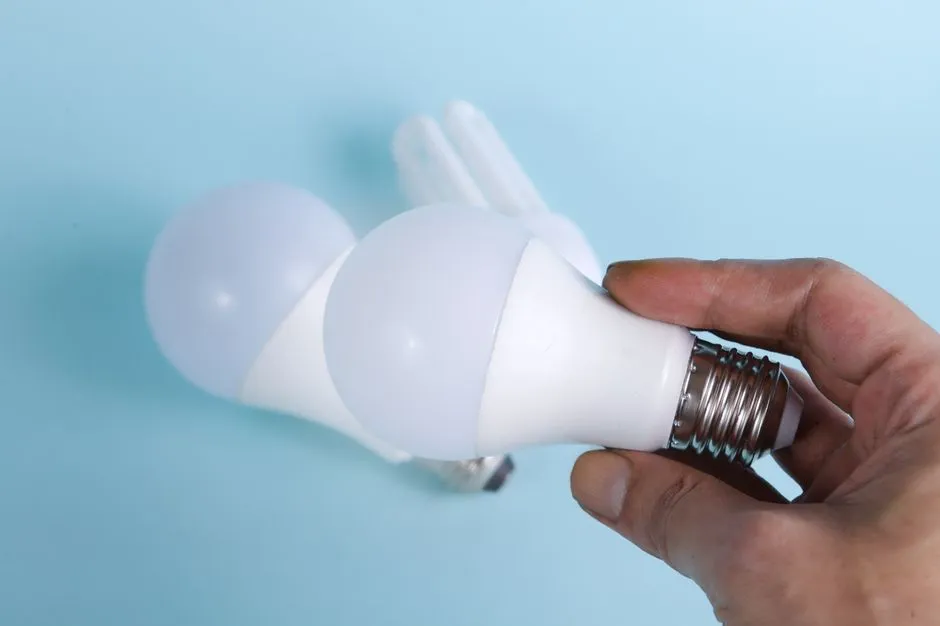
Light Bulb (Bohlam Lampu)
“The light bulb in my room is broken.”
Bohlam lampu di kamar saya rusak.
27
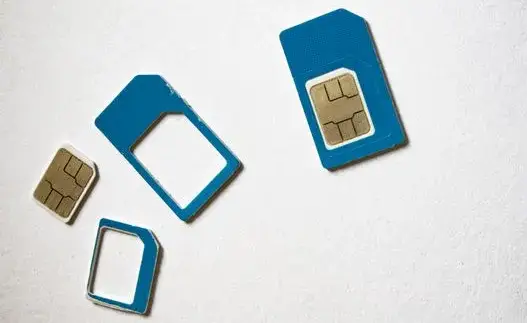
SIM Card (Kartu SIM)
“I put my new SIM card into my phone.”
Saya memasukkan kartu SIM baru saya ke ponsel saya.
28
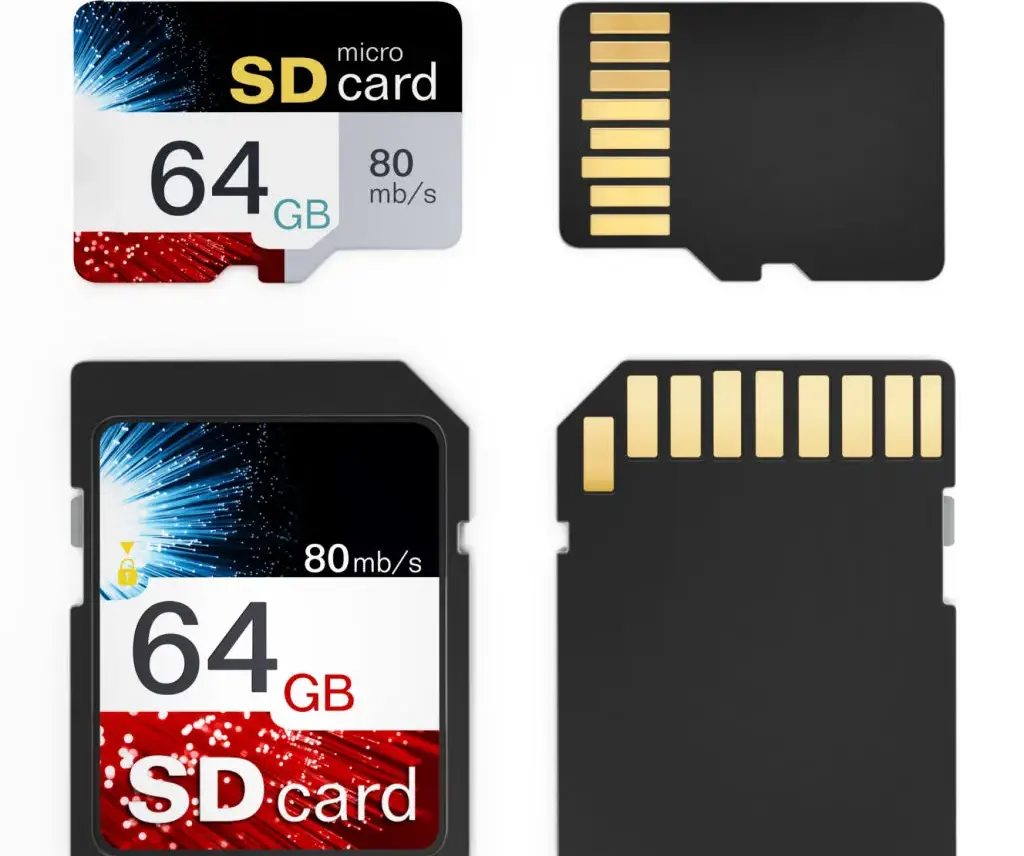
Memory Card (Kartu Memori)
“The camera needs a memory card.”
Kameranya butuh kartu memori.
29
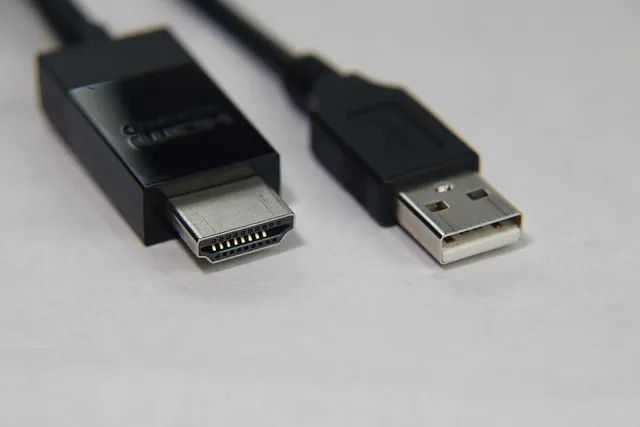
HDMI Cable (Kabel HDMI)
“I connected the laptop to the TV with an HDMI cable.”
Saya menghubungkan laptop ke TV dengan kabel HDMI.
30
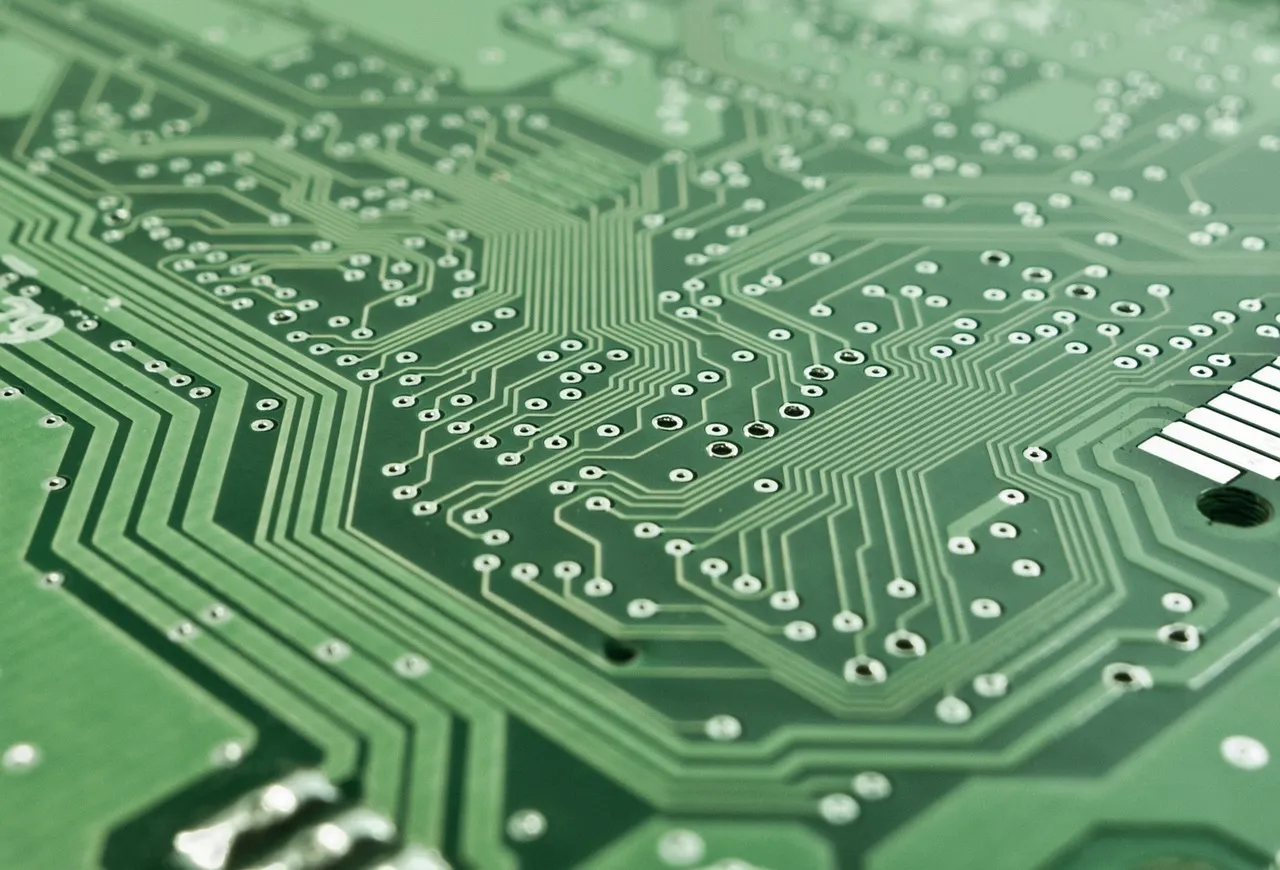
Circuit Board (Papan Sirkuit)
“The technician examined the circuit board.”
Teknisi itu memeriksa papan sirkuit itu.
31
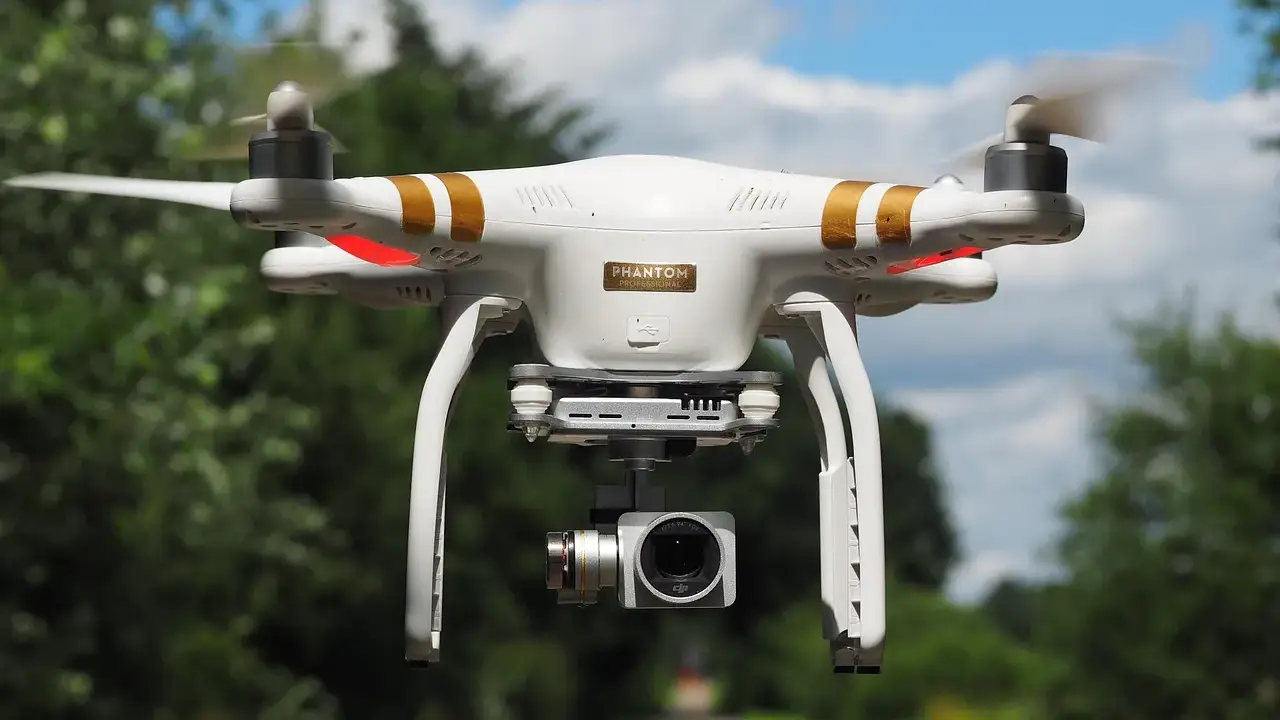
Drone (Drone)
“The drone flew over the field.”
Drone itu terbang di atas lapangan.
32
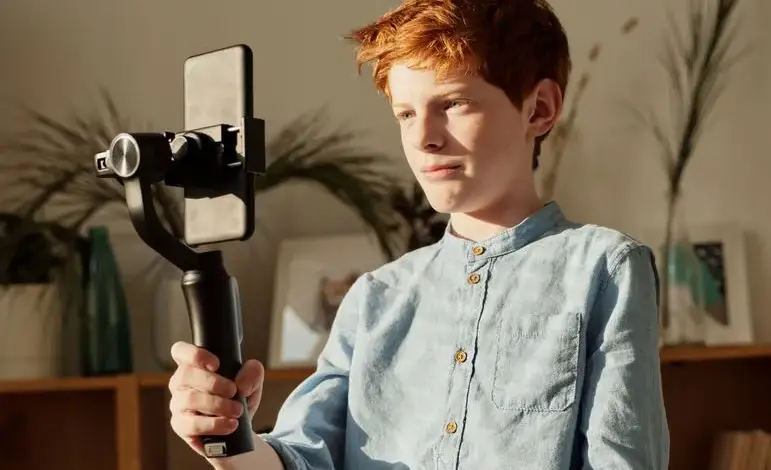
Selfie Stick (Tongsis (Selfie Stick))
“She used a selfie stick to take a group photo.”
Dia menggunakan tongsis untuk mengambil foto bersama.
33
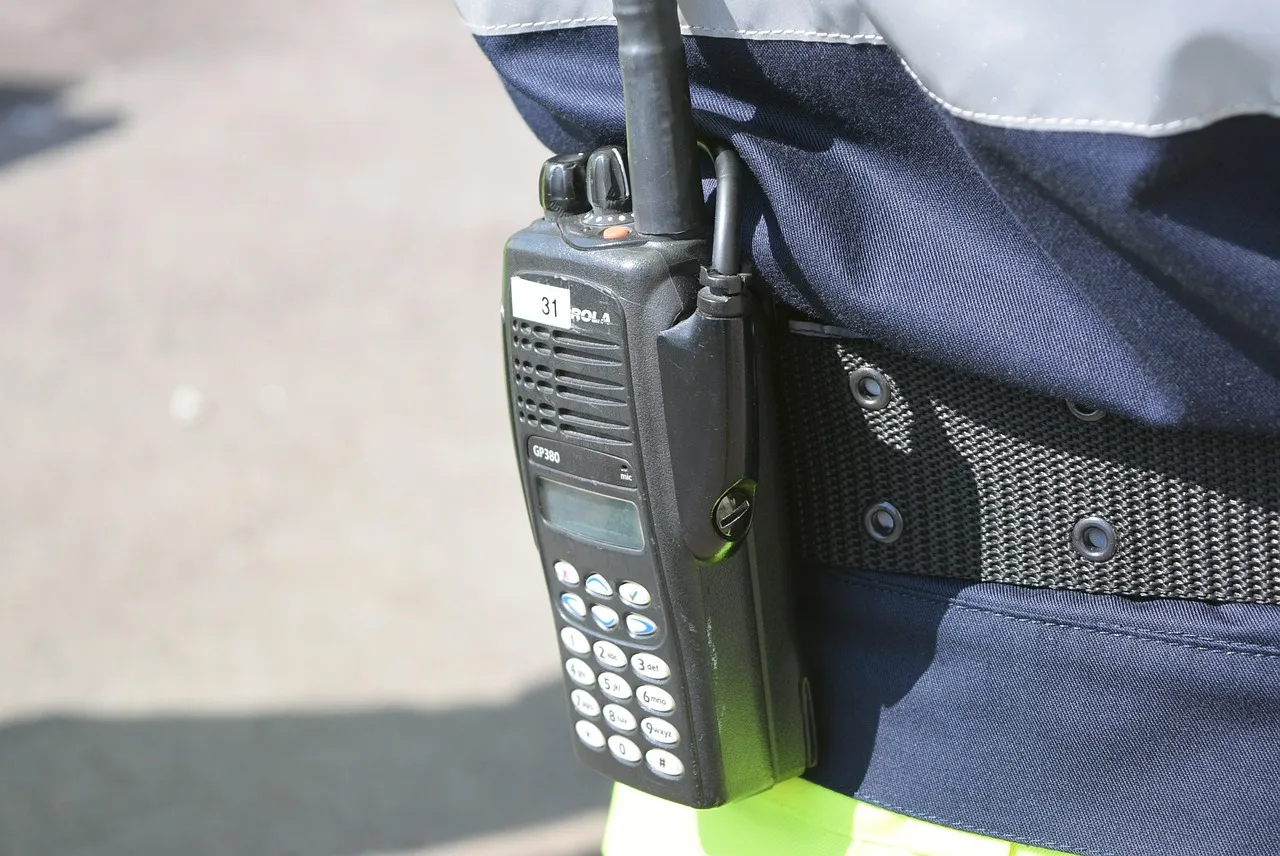
Walkie-Talkie (HT (Handy Talkie))
“The workers communicated with a walkie-talkie.”
Para pekerja berkomunikasi menggunakan HT.
Itulah semua kata dalam daftar Technology Items ini — perangkat yang kamu pakai setiap hari.
🎮
Loading questions…
Y
ENGAPLAY
🎮
ENGAPLAY
ENG·lish Arena & PLAY
⚡🎯🏆
🔥
0Day Streak
📊
0Questions Done
🎯
—Accuracy
1LVL
Beginner0 / 100 XP
✦ New Feature
Image Q&A — Snap & Solve
Upload any English question photo and get an instant AI answer.
📷
Choose a Quiz
BLOG
Loading…
MY APPS
Image Q&A
📷 Image Q&A
Upload a photo of an English question, passage, or exercise. Gemini Vision will analyze and explain it.
✦ AI Answer
Timer
1 / 4Correct: 0
Grammar › Verb Tenses
30
Loading…
✅ Correct!
🎉
Excellent!
Here's your score summary.
0/ 4
0Correct
0Wrong
0%Accuracy
⏱—Total Quiz Time
💬 Discussion
Sort by:
🦊
0/500
Loading…
Review
🎵 Sound & Music
🔊
Sound Effects
Correct, wrong & timer sounds
🎶
Background Music
Royalty-free tracks
Playing: Trivia Night
Volume
🔈🔊
Music Track
Build __BUILD_ID__
🎨 Visual Settings
Font Size
Make text bigger — handy for recording
AA
100%
Theme
Cursor Style
✨
Cursor Trail
A trail follows your mouse
Trail LengthMedium
Background Effect
Ambient animation behind the app
IntensityMedium
SizeMedium
Battle Mode Backgrounds
Pick a look for each battle mode — 3 backgrounds, or Default (none)
🔑 AI API Key
Use your own OpenRouter API key for the AI Tutor and Image Q&A, instead of this site's shared one — your own usage, your own bill. Leave the box empty to keep using the site's default key.
How to get an OpenRouter API key
Go to openrouter.ai and sign up (free) — Google sign-in works.
Click your profile icon (top right) → "Keys".
Click "Create Key", give it any name, and copy the key shown (starts with sk-or-v1-...).
Paste it in the box above and tap Save. That's it — no card required for free-tier models.